Updated August 14th, 2026

A good monitor earns its keep the moment you switch from a dim, low-resolution panel to one with real brightness, sharpness, and a refresh rate that matches what you're actually doing on screen, whether that's reading spreadsheets all day, editing photos, or reacting a split-second faster in a competitive game. Compared to whatever display came bundled with a prebuilt PC or a hand-me-down monitor, a purpose-built display gets you a sharper panel, a faster refresh rate, and more screen real estate to work or play in.
For this guide, we looked at four monitors built for different needs and budgets, and made sure no two solve the same problem for the same buyer. The Philips 24 Inch Monitor is the best value pick for anyone who wants a crisp, responsive everyday display without paying much. The Dell 27 Plus QHD Monitor is the best overall pick for buyers who want a sharp, fast, all-around screen for both work and casual gaming. The KOORUI 32 Inch Curved Gaming Monitor is the pick for gamers who want an immersive, high-refresh curved screen at a genuinely competitive price. And the Dell 34 Monitor S3425DW is the premium pick for professionals who want the extra horizontal space of an ultrawide display for multitasking.
As an Amazon Associate I earn from qualifying purchases. Links on this page are affiliate links.
We compared monitors based on resolution, refresh rate, screen size, and price, and made a point of not picking four monitors aimed at the same buyer. On raw immersion and gaming-specific performance, the KOORUI 32 Inch Curved Gaming Monitor wins outright, since it's the only pick here combining a 32-inch curved QHD panel with a 170Hz refresh rate built specifically for fast-paced gaming, at a real price premium over the smaller flat panels. The Dell 27 Plus QHD Monitor trades some of that size and curve for a more balanced, desk-friendly package, pairing a sharp 144Hz QHD panel with built-in speakers and full height and pivot adjustability that suits both work and play. The Philips 24 Inch Monitor delivers a stripped-down version of a responsive display, with a 100Hz refresh rate and flicker-free VESA-certified backlighting, at less than half the price of the QHD picks, but sacrifices resolution and size to get there. The Dell 34 Monitor S3425DW is the outlier of the group: it isn't about refresh rate or curve radius at all, using its 34-inch ultrawide 21:9 aspect ratio to replace a dual-monitor setup with one continuous screen, a different kind of upgrade than the gaming-focused picks.
Quick Notes
The Philips 24 Inch Monitor is our Best Value pick because it delivers a genuinely responsive, flicker-free display at a price that undercuts every other monitor in this lineup. The buyer here is someone who wants a clear upgrade over a basic office monitor for everyday browsing, document work, and light gaming, without paying for QHD resolution or a large curved panel they don't need. One concrete detail that matters is the 100Hz refresh rate, double the standard 60Hz found on most budget monitors, which makes everyday scrolling, window dragging, and light gaming noticeably smoother without stepping up to a gaming-specific panel. A second detail is the VESA-certified flicker-free backlighting combined with low blue light filtering, which reduces eye strain during long work sessions, a meaningful comfort feature that's easy to overlook until you've spent a full day in front of a screen that lacks it. The tradeoff is that this is a 1080p panel on a 23.8-inch screen, so text and images won't be as sharp as the QHD picks here, and its VA panel, while good for contrast, has narrower viewing angles than premium IPS alternatives. Skip this one if you want QHD sharpness or a larger screen for multitasking. Buy it if you want a crisp, responsive everyday monitor without spending much.
Prices and availability were recorded when this article was written and are subject to change. The price and availability shown on Amazon at the time of purchase apply.
Quick Notes
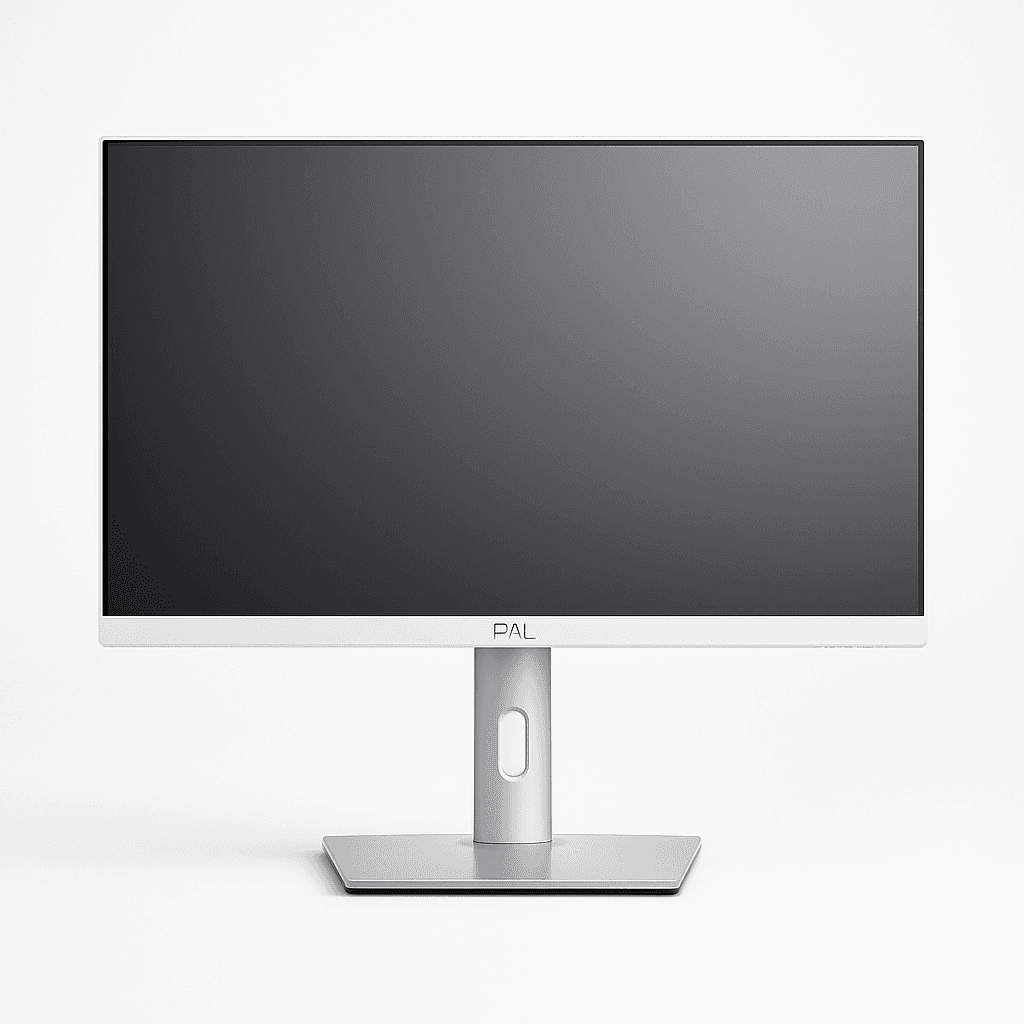
The Dell 27 Plus QHD Monitor is our Best Overall pick because it's the only monitor here that balances sharp QHD resolution, a fast 144Hz refresh rate, and full ergonomic adjustability in one well-rounded package. The buyer here is the most common monitor shopper: someone who wants one screen that handles work, browsing, and casual gaming equally well, without needing to choose between a productivity monitor and a gaming monitor. One concrete detail is the 2560x1440 QHD resolution at 27 inches, which delivers noticeably sharper text and images than the 1080p value pick while staying compact enough to fit comfortably on most desks without needing a curved panel. A second detail is the full height, tilt, pivot, and swivel adjustability built into the stand, letting you rotate the screen to portrait mode for reading long documents or code, a feature the curved and ultrawide picks here don't offer due to their panel shapes. It also includes built-in 3W speakers, useful for video calls without needing separate desk speakers. The tradeoff is that its 144Hz refresh rate, while fast, is a step below the KOORUI's 170Hz for competitive gaming, and its flat 27-inch panel doesn't offer the immersion of a curved or ultrawide screen. Skip this one if you want maximum gaming refresh rate or ultrawide multitasking space. Buy it if you want one sharp, fast, fully adjustable monitor that handles both work and play well.
Quick Notes
The KOORUI 32 Inch Curved Gaming Monitor is our Gaming pick because it's the only monitor in this lineup built specifically for immersive, fast-paced gaming, combining a large curved QHD panel with a 170Hz refresh rate at a genuinely competitive price. The buyer here is a gamer who wants the visual immersion of a curved screen and the responsiveness of a high refresh rate without paying premium prices typically associated with gaming-specific panels. One concrete detail that matters is the 1500R curve radius, a tighter curve than many competing curved monitors, which wraps the edges of the screen more directly into your peripheral vision for a more enveloping experience in fast-moving games. A second detail is the combination of a 170Hz refresh rate and 1ms response time, both meaningfully faster than the value and overall picks here, reducing motion blur and input lag in competitive, fast-paced titles. It's also FreeSync Premium certified and G-Sync compatible, so it syncs smoothly with most modern graphics cards regardless of brand. The tradeoff is size and desk footprint: at 32 inches, it takes up significantly more desk space than the smaller flat panels, and its curved shape makes it less ideal for tasks like spreadsheet work or side-by-side document editing where straight lines matter more than immersion. Skip this one if desk space is tight or you primarily use your monitor for work. Buy it if you're gaming seriously and want an immersive, high-refresh curved screen at a competitive price.

Quick Notes
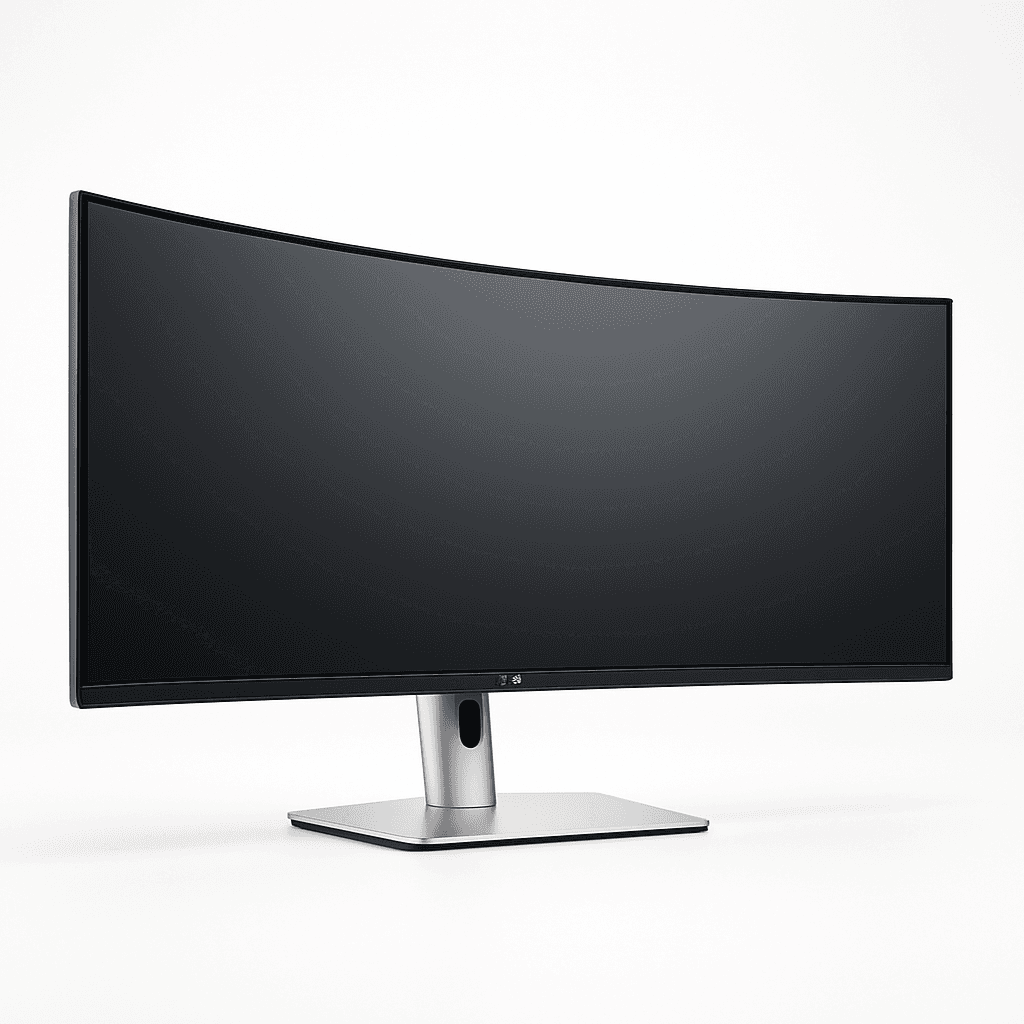
The Dell 34 Monitor S3425DW is our Premium pick because it's the only monitor in this lineup built around ultrawide screen real estate rather than refresh rate or curve radius, effectively replacing a two-monitor setup with one continuous 21:9 display. The buyer here is a professional, multitasker, or content creator who regularly juggles multiple windows, documents, or timelines and finds a single standard monitor's width limiting. One concrete detail that matters is the 3440x1440 WQHD ultrawide resolution across a 34-inch curved panel, giving roughly 30% more horizontal workspace than a standard 27-inch QHD monitor, enough to comfortably place two full documents or a browser and a spreadsheet side by side without overlapping. A second detail is the built-in USB-C connectivity with 65W power delivery, letting a compatible laptop connect with a single cable for video, data, and charging simultaneously, a genuine convenience for anyone using this as a docking hub for a laptop rather than a dedicated desktop. The tradeoff is desk footprint and price: at 34 inches wide, it requires significantly more desk depth and width than any other pick here, and at roughly $330 it's the most expensive monitor in this lineup, competing more with dedicated ultrawide displays than standard gaming or office monitors. Skip this one if desk space is limited or you don't regularly multitask across multiple windows. Buy it if you want the extra horizontal space of an ultrawide display to replace a dual-monitor setup.
Prices and availability were recorded when this article was written and are subject to change. The price and availability shown on Amazon at the time of purchase apply.
Philips 24 Inch Computer Monitor FHD 100Hz VA VESA Flicker-Free, 241V8LB
Dell 27 Plus QHD Monitor - S2725DSM
KOORUI 32 Inch Curved Gaming Monitor, QHD 2560x1440 Display 170Hz 1ms 1500R
Dell 34 Monitor S3425DW, WQHD VA, 120Hz, FreeSync Premium, Eye Comfort
Best Use
Everyday Computing on a Budget
All-Around Work and Casual Gaming
Immersive, Fast-Paced Gaming
Multitasking and Productivity
Screen Size
23.8 Inches
27 Inches
32 Inches Curved
34 Inches Ultrawide Curved
Resolution
1920x1080 (FHD)
2560x1440 (QHD)
2560x1440 (QHD)
3440x1440 (WQHD Ultrawide)
Refresh Rate
100Hz
144Hz
170Hz
120Hz
Why We'd Buy It
Best Value for Everyday Computing
Best Overall Balance of Sharpness, Speed, and Adjustability
Best for Immersive, High-Refresh Gaming
Best for Multitasking with Ultrawide Screen Space
If you want a crisp, responsive everyday monitor without spending much, look for at least a 100Hz refresh rate and flicker-free backlighting rather than paying up for QHD resolution you may not need on a smaller screen. The Philips 24 Inch Monitor covers that need well, with a 100Hz panel and adaptive sync at a price that undercuts every other pick here.
If you want one monitor that handles office work and casual gaming equally well, look for a QHD panel with a fast refresh rate and full ergonomic adjustability rather than choosing between a work monitor and a gaming monitor. The Dell 27 Plus QHD Monitor is built for exactly that, with a 144Hz QHD display, built-in speakers, and height, tilt, pivot, and swivel adjustment in one screen.
If you're gaming seriously and want the most immersive experience for the money, prioritize a curved panel and high refresh rate over resolution alone. The KOORUI 32 Inch Curved Gaming Monitor is the only pick here with a 1500R curve and 170Hz refresh rate, which is the single biggest reason to size up from the flat QHD pick.
If you regularly juggle multiple windows, documents, or timelines and a single monitor's width feels limiting, prioritize an ultrawide aspect ratio over a taller or more curved screen. The Dell 34 Monitor S3425DW replaces the need for a second monitor entirely with one continuous 21:9 workspace, at the cost of taking up significantly more desk width than any other pick here.
Buy the Philips 24 Inch Monitor if you want a crisp, responsive everyday display without spending much.
Buy the Dell 27 Plus QHD Monitor if you want one sharp, fast screen that handles both work and casual gaming equally well.
Buy the KOORUI 32 Inch Curved Gaming Monitor if you're gaming seriously and want an immersive curved screen at a competitive price.
Buy the Dell 34 Monitor S3425DW if you regularly multitask across multiple windows and want the extra width of an ultrawide display.
The best computer monitor depends on how much desk space and budget you have and whether you're optimizing for value, all-around use, gaming immersion, or multitasking width. Choose the Philips 24 Inch Monitor if you want a crisp, responsive everyday display without spending much. Choose the Dell 27 Plus QHD Monitor if you want one sharp, fast screen that handles both work and casual gaming well. Choose the KOORUI 32 Inch Curved Gaming Monitor if you're gaming seriously and want an immersive curved screen at a competitive price. Choose the Dell 34 Monitor S3425DW if you regularly multitask and want the extra width of an ultrawide display.
If you're still unsure, most people should start with the Dell 27 Plus QHD Monitor. It covers the way most people actually use a monitor: a mix of work, browsing, and some gaming, and its combination of QHD sharpness, a 144Hz refresh rate, and full ergonomic adjustability make it the most broadly useful pick here without asking you to commit to a gaming-specific curve or an ultrawide desk footprint.
Related articles
Explore more expert comparisons and buying guides to help you find the perfect product.


As an Amazon Associate I earn from qualifying purchases.